Flower Bouquet SVG Design Review
As a designer who’s stitched over 200 custom embroidery projects—from boutique baby blankets to Etsy best-selling tote bags—I opened Flower Svg, Flower Bouquet Svg Design expecting charm. What I found was more nuanced: a hand-drawn floral composition that breathes like real garden-cut stems, but one that demands thoughtful translation into thread.
A First Stitch in Mind: Not Just Pretty—Purposeful
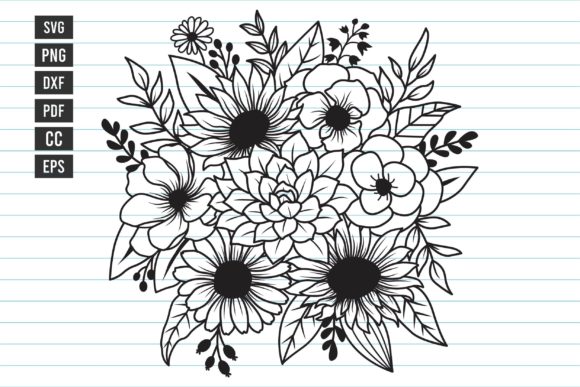
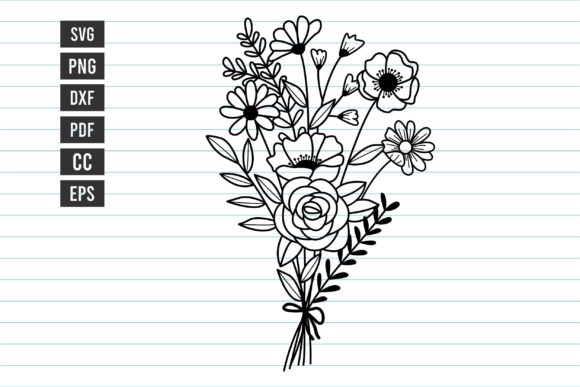
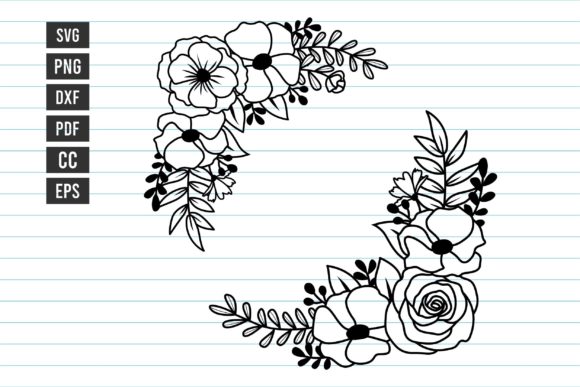
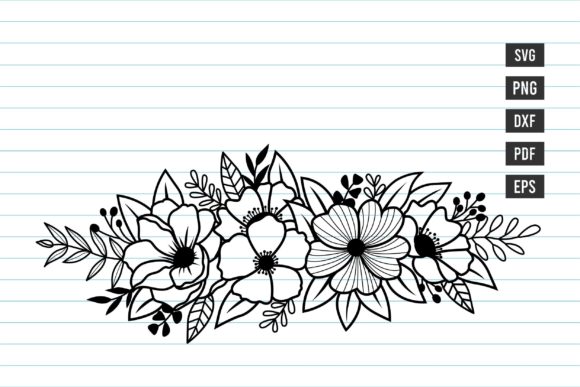
The moment you view the bouquet, it reads as soft yet intentional: loose stems, layered petals, gentle asymmetry, and subtle variation in bloom size. It doesn’t scream “wedding monogram” or “cute nursery”—it leans into quiet elegance. That makes it unusually versatile for real project use: think embroidered linen tea towels for a local café, minimalist sweatshirt fronts for a small shop’s spring collection, or delicate patches sewn onto organic cotton aprons.
I tested it first on a medium-weight cotton canvas tote bag—no lining, no interfacing, just stabilizer and confidence. The design scaled cleanly at 4.2" wide, filling the front panel without crowding. No pixelation, no jagged edges—even in the PNG preview. That’s critical when your buyer is judging your craftsmanship from a thumbnail on Etsy.
Where This Bouquet Truly Blooms (and Where It Needs Caution)
It shines on:
- Stable, medium-to-heavy fabrics: Cotton twill, linen blends, and midweight denim hold the curves and petal layers beautifully. The hand-drawn flow translates well into satin stitch outlines and airy fill-stitch centers.
- Personalized gifts with emotional weight: A baby onesie with this bouquet stitched subtly near the hem? Yes. A wedding guest book cover? Absolutely—especially if paired with a simple monogram in a clean sans-serif.
- Small business merchandise with handmade authenticity: Because it’s CC-licensed and includes EPS and PDF, you can drop it into printable mockups for your Shopify store—or adapt it for a seasonal Instagram story carousel showing “before/after” embroidery on pillow covers.
Use carefully on:
- Stretchy or thin fabrics: Knits and lightweight rayon shift under the needle. The bouquet’s open negative space and fine stem lines won’t stabilize well without heavy cutaway + tear-away combo stabilizer—and even then, test first.
- Curved surfaces like caps or curved baby hats: The natural arc of the bouquet works *with* curvature—but only if you resize thoughtfully. At under 3", details blur; above 5.5", density increases and may overwhelm a child’s cap.
- Dark or textured backgrounds: The design lacks bold contrast by default. On charcoal terry cloth or bouclé knit, opt for high-sheen thread (like polyester 40wt) and consider adding a subtle white underlay—not built into the file, but essential for legibility.
Design Assets That Earn Their Place in Your Workflow
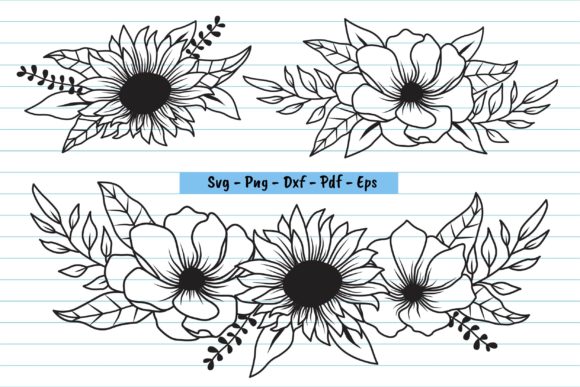
This isn’t just another floral clipart pack. As Graphics, these files are engineered for flexibility: SVG for vector editing in Illustrator, DXF for digitizing software, EPS for legacy print prep, and 300 dpi PNGs for crisp digital previews. That matters when you’re prepping an Etsy listing and need both a lifestyle photo *and* a clean white-background mockup in under 20 minutes.
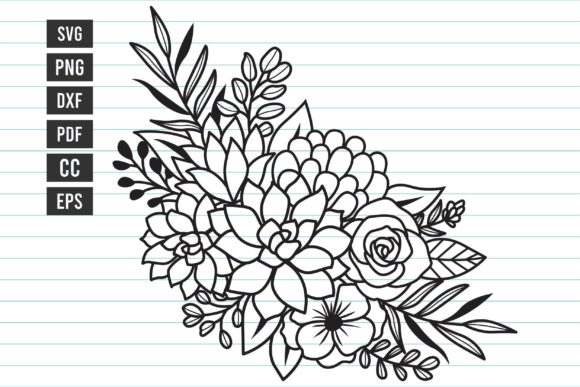
But here’s what separates Flower Svg, Flower Bouquet Svg Design from disposable assets: its restraint. There’s no excessive filigree, no overlapping blooms that turn muddy in dense fill stitch. Each flower has breathing room—so when you convert it to an embroidery file, you’ll spend less time simplifying and more time choosing thread colors that elevate mood: sage + cream for botanical apothecary branding, dusty rose + charcoal for modern bridal, or navy + gold for holiday gift wrap tags.
Real Embroidery Designer Notes—No Fluff, Just Facts
Before stitching your first client piece or uploading to your craft fair booth:
- Test on scrap fabric first—same weight, same color, same stabilizer you plan to use. Watch how the outer petals behave on your machine’s slowest speed.
- Review stitch density visually in your embroidery software. If stems look too thin or blooms too solid, adjust underlay or reduce fill angle—not the original SVG.
- Confirm hoop size compatibility. The bouquet fits comfortably in a 5x7 hoop at standard scale—but if you're working with a 4x4 machine, prioritize centering the largest bloom and trimming peripheral stems in your vector editor first.
- Inspect small details in black-and-white mockups. What looks romantic in color may read as “fuzzy” on dark fabric. Try converting your PNG to grayscale—you’ll spot weak contrast zones instantly.
- Check licensing before selling finished items. It’s CC-licensed, but verify whether commercial resale of physical products (like embroidered tea towels) is permitted—some CC variants restrict derivative sales.
Why This Fits Quietly Into Your Best Projects
This bouquet doesn’t dominate—it complements. It adds warmth without clutter, femininity without cliché, and craft value without complexity. When a customer receives a hand-embroidered kitchen towel with this design, they don’t just see flowers—they sense care in the spacing, intention in the curve, and quiet confidence in the execution.
That’s the mark of strong Print Templates: not flash, but fidelity. Fidelity to material, to motion, to meaning. Whether you’re a solo Etsy seller building a signature style or a small shop owner curating cohesive seasonal collections, Flower Svg, Flower Bouquet Svg Design earns its place—not as filler, but as foundation.
It’s the kind of asset you keep open in your design library, not because it’s trendy, but because it works—consistently, quietly, beautifully—across custom apparel, personalized gifts, embroidered patches, and every other embroidery project where authenticity matters more than volume.